

Programming concepts and and how to code and transmit MIDI CC messages
Programming Concepts
To work with MIDI messages, you’ll need a basic understanding of programming concepts. Here are some key concepts:
- Variables: Store values in memory using variables (e.g.,
velocity = 100). - Data Types: Understand the types of data your language supports (e.g., integers, floats, strings).
- Control Structures: Use if-else statements, loops (for, while), and conditional statements to control the flow of your program.
- Functions: Define reusable blocks of code that perform a specific task.
MIDI CC Messages
To transmit MIDI Control Change (CC) messages, you’ll need to:
- Create a MIDI message: Use your programming language’s MIDI library or create a custom message structure.
- Set the control number and value: Specify the CC control number and its corresponding value (e.g.,
control_number = 7,value = 127). - Send the message to a MIDI port: Use your programming language’s MIDI output function to send the message to a MIDI port.
Example Code
Here are some examples of how to code and transmit MIDI CC messages in different programming languages:
Python (using PyMIDI)
import pymidi

# Create a MIDI output port
outport = pymidi.open_output()

# Set the control number and value
control_number = 7
value = 127

# Create a MIDI Control Change message
message = pymidi.Message('b', control_number, value)

# Send the message to the MIDI port
outport.send_message(message)
Java (using JavaSound)
import javax.sound.midi.*;

// Create a MIDI output port
MidiChannel channel = MidiSystem.getSynthesizer().getChannels()[0];
channel.open();

// Set the control number and value
int controlNumber = 7;
int value = 127;

// Create a MIDI Control Change message
ShortMessage message = new ShortMessage();
message.setMessage(ShortMessage.CONTROL_CHANGE, controlNumber, value);

// Send the message to the MIDI port
channel.send(message);
C++ (using PortMIDI)
#include <portmidi.h>

// Initialize PortMIDI
Pm_Init(NULL);

// Open a MIDI output port
Pm_OpenOutput(0); // Replace with the desired MIDI port number

// Set the control number and value
int controlNumber = 7;
int value = 127;

// Create a MIDI Control Change message
Pm_Message msg = Pm_CreateControlChange(controlNumber, value);

// Send the message to the MIDI port
Pm_WriteShort(msg, 0); // Replace with the desired MIDI channel number
These examples demonstrate how to create and send MIDI CC messages using different programming languages. You can modify these examples to fit your specific needs and transmit MIDI messages to control external devices or synthesizers.
LFO to alter the value of CC data
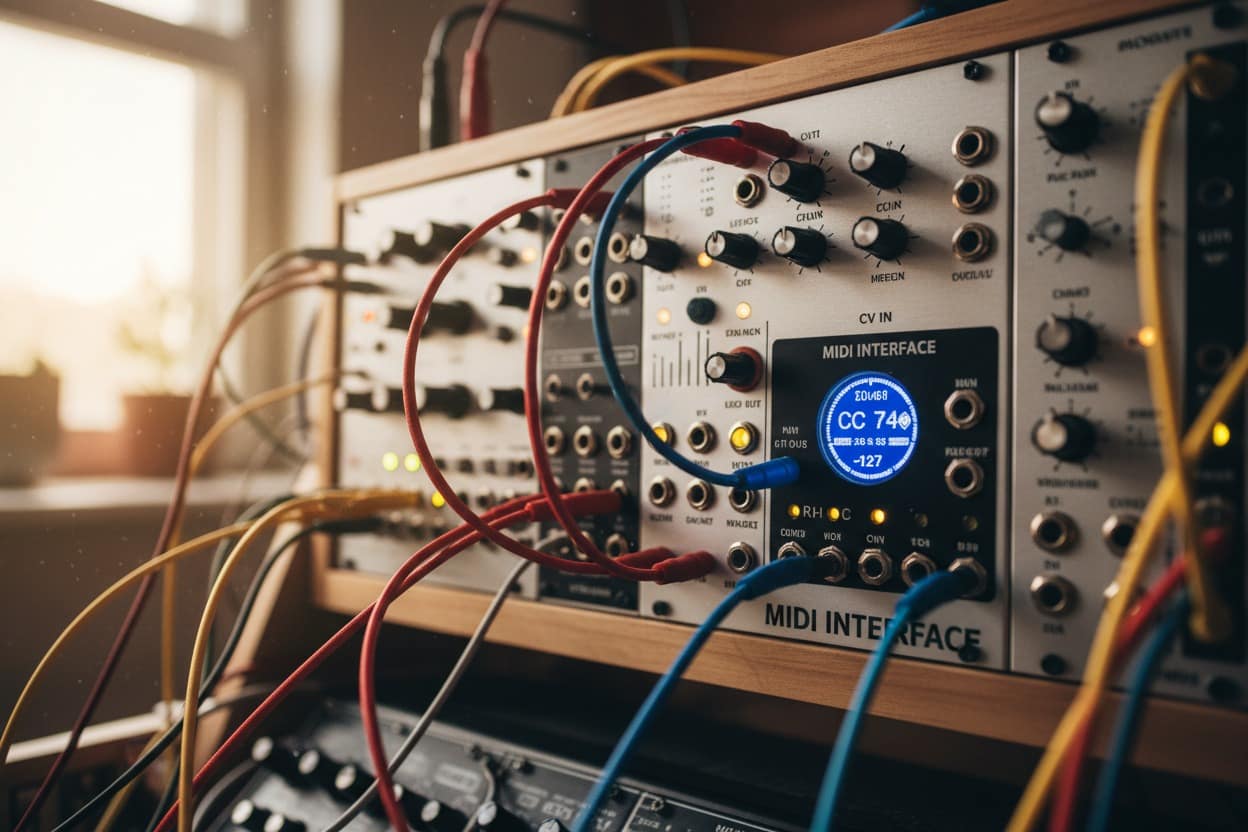
To program an LFO (Low Frequency Oscillator) to alter the value of CC (Control Change) data, you’ll need to:
- Choose a programming language: Select a suitable language for your project, such as C++, Python, or LabVIEW.
- Understand the MIDI protocol: Familiarize yourself with the MIDI protocol and its message structure, including control change messages (CC).
- Implement an LFO algorithm: Write code to generate a sine wave or another type of oscillation that will modulate the CC value.
Here’s a simple example in C++:
#include <iostream>
#include <cmath>

// Define constants for MIDI CC and LFO parameters
const int CONTROL_NUMBER = 7; // Choose a control number (e.g., pitch bend)
const float MIN_VALUE = 0.0f;
const float MAX_VALUE = 127.0f;

// Define the LFO function
float lfo(float frequency, float amplitude) {
    static float phase = 0.0f;
    phase += frequency * (M_PI / 180.0f); // Convert frequency to radians
    return sin(phase) * amplitude + MIN_VALUE; // Modulate CC value
}

int main() {
    // Initialize MIDI output port
    int midiOutPort = Pm_OpenOutput(0);

    // Set the control number and initial value
    int controlNumber = CONTROL_NUMBER;
    float initialValue = lfo(1.0f, 64.0f); // Initial LFO value

    // Main loop: send CC messages with modulated values
    while (true) {
        // Generate a new LFO value
        float newValue = lfo(1.0f, 64.0f);

        // Create and send the MIDI control change message
        Pm_Message msg = Pm_CreateControlChange(controlNumber, (int)(newValue + 0.5f));
        Pm_WriteShort(msg, midiOutPort);
    }

    return 0;
}
In this example:
- We define constants for the control number and LFO parameters.
- The
lfofunction generates a sine wave with adjustable frequency and amplitude. - In the main loop, we generate a new LFO value using the
lfofunction, create a MIDI control change message with the modulated value, and send it to the MIDI output port.
Note: This is a basic example to demonstrate the concept. You may need to modify it to suit your specific requirements, such as adding additional parameters or handling errors.
To implement this in other programming languages, you’ll need to:
- In Python: Use libraries like
midoorpython-midifor MIDI communication andnumpyfor numerical computations. - In LabVIEW: Use the built-in MIDI functions and control structures to generate the LFO and send the CC messages.
Remember to adjust the code according to your specific needs and programming language.