
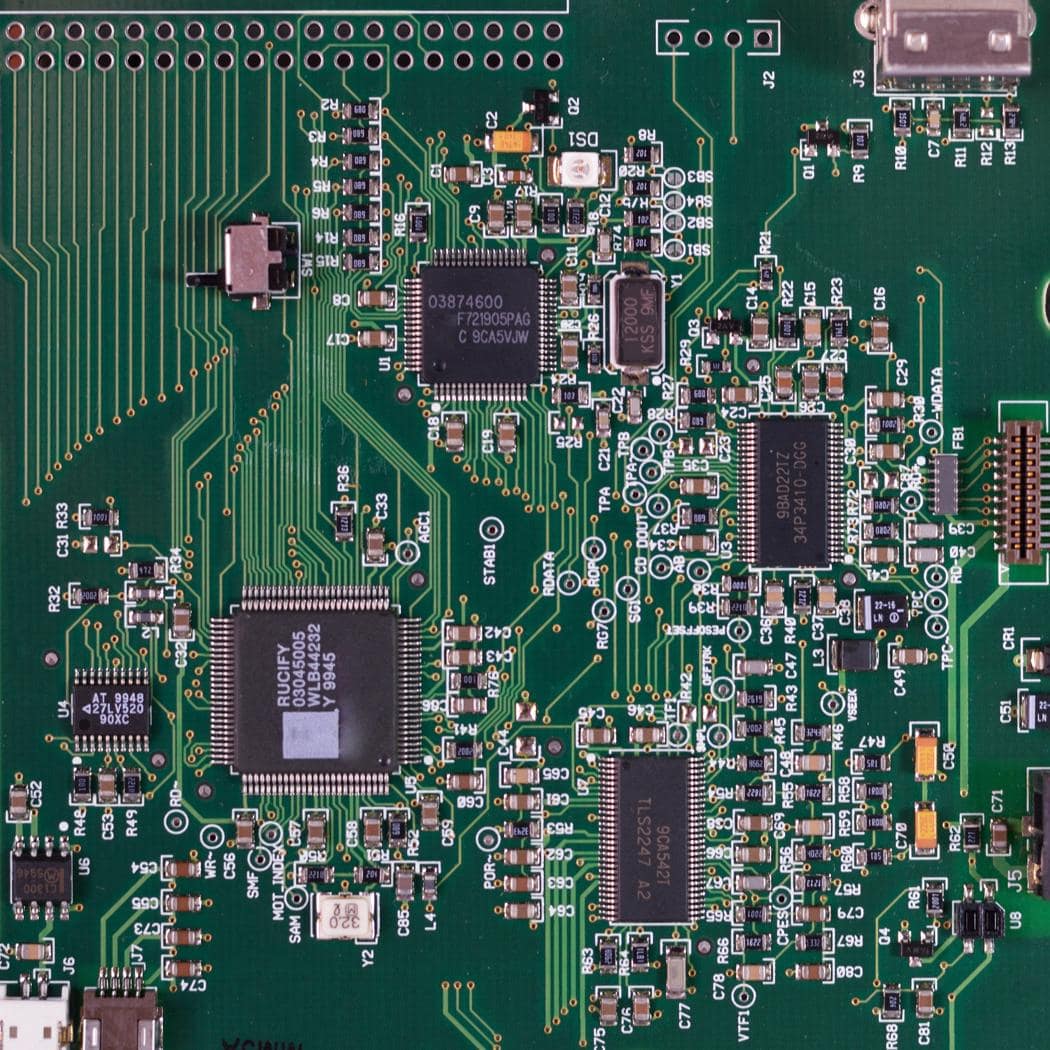
Microcontrollers in Audio Applications
Teensy: Known for its audio library and powerful processing capabilities, Teensy is often used in DIY audio projects.
Arduino: Popular for educational purposes and simple audio projects.
ESP32: Frequently used in IoT audio projects due to its built-in Wi-Fi and Bluetooth capabilities.
Microcontrollers are integral to modern audio and music technology, providing the processing power, control, and connectivity needed to create, manipulate, and manage sound in innovative ways.
Arduino is an open-source electronics platform based on easy-to-use hardware and software. It’s designed to make the process of using electronics in multidisciplinary projects more accessible. Here are some key aspects of Arduino:
Components of Arduino
1. Microcontroller: The central component of an Arduino board. Different boards use different microcontrollers, typically from the AVR family (like ATmega328 on the Arduino Uno) or ARM Cortex family (like SAMD21 on the Arduino Zero).
2.Digital I/O Pins: Pins used for digital input or output. They can be configured to read or send digital signals (HIGH/LOW).
3. Analog Input Pins: Pins used to read analog signals. They convert analog voltage levels into digital values using an ADC (Analog-to-Digital Converter).
4. PWM (Pulse Width Modulation) Pins: Digital pins that can output a PWM signal, useful for simulating analog output.
5. Power Pins: Provide power to the board and connected components. Includes 3.3V, 5V, and GND (ground) pins.
6. Communication Interfaces: Include UART (Serial), SPI (Serial Peripheral Interface), and I2C (Inter-Integrated Circuit) for communicating with other devices and sensors.
7. USB Interface: Used for programming the board and for serial communication with a computer.
8. Reset Button: Resets the microcontroller.
Arduino Software (IDE)
The Arduino Integrated Development Environment (IDE) is used to write and upload programs (called sketches) to the Arduino board. Key features of the Arduino IDE:
Code Edito: A text editor for writing code with syntax highlighting.
Libraries: Pre-written code for various functions and components, making it easier to use sensors, displays, motors, etc.
Serial Monitor: Allows communication between the Arduino and a computer for debugging purposes.
Programming Arduino
Arduino boards are programmed using a simplified version of C/C++ language. The basic structure of an Arduino sketch includes:
setup() Function: Runs once when the board is powered on or reset. Used to initialize variables, pin modes, libraries, etc.
loop() Function: Runs repeatedly after setup() completes. Contains the main logic of the program.
Example Sketch:
cpp
void setup() {
pinMode(LED_BUILTIN, OUTPUT); // Initialize the built-in LED pin as an output
}void loop() {
digitalWrite(LED_BUILTIN, HIGH); // Turn the LED on
delay(1000); // Wait for a second
digitalWrite(LED_BUILTIN, LOW); // Turn the LED off
delay(1000); // Wait for a second
}
Popular Arduino Boards
1.Arduino Uno: The most common and beginner-friendly board, based on the ATmega328 microcontroller.
2.Arduino Mega: Has more I/O pins and memory, based on the ATmega2560 microcontroller, suitable for larger projects.
3.Arduino Nano: A smaller, breadboard-friendly version of the Uno.
4. Arduino Leonardo: Can emulate a mouse or keyboard, based on the ATmega32u4 microcontroller.
5.Arduino Due: Based on the ARM Cortex-M3 processor, offering more power and capabilities.
6. Arduino Pro Mini: A smaller and more cost-effective board without USB interface, suitable for embedded applications.
Applications of Arduino
1. Prototyping: Quickly create prototypes for various electronics projects.
2. Education: Widely used in educational settings to teach electronics and programming.
3. DIY Projects: Ideal for hobbyists building custom projects like home automation, robots, and interactive art.
4. IoT (Internet of Things): Connect and control devices over the internet.
5. Wearable Technology: Integrate electronics into clothing and accessories.